
Free Browser Tools That Save Time on Everyday Digital Work
Fast, no-download browser utilities for everyday writing, images, math, and web tasks
Free Browser Tools That Save Time on Everyday Digital Work
When you work online every day—whether you are writing drafts, resizing images for a blog, cleaning up JSON, or doing quick calculations—switching between heavy apps or paying for subscriptions just slows you down. Most small tasks only take a minute, yet opening a bulky program can break your focus completely.

Browser-based utilities solve that problem cleanly. Because they run right inside your web browser without installations or sign-ups, you can get a task done and move back to your main work in seconds.
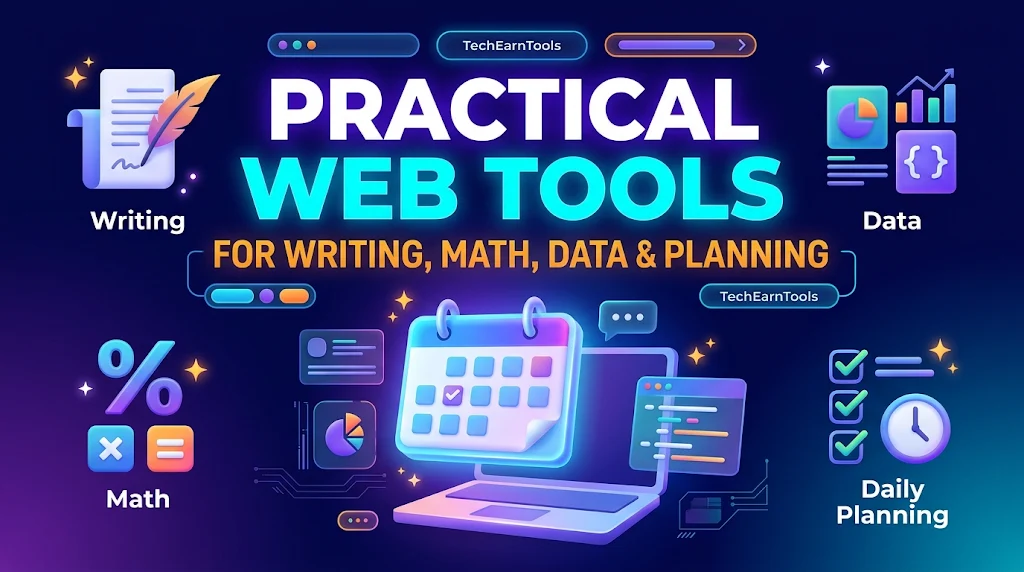
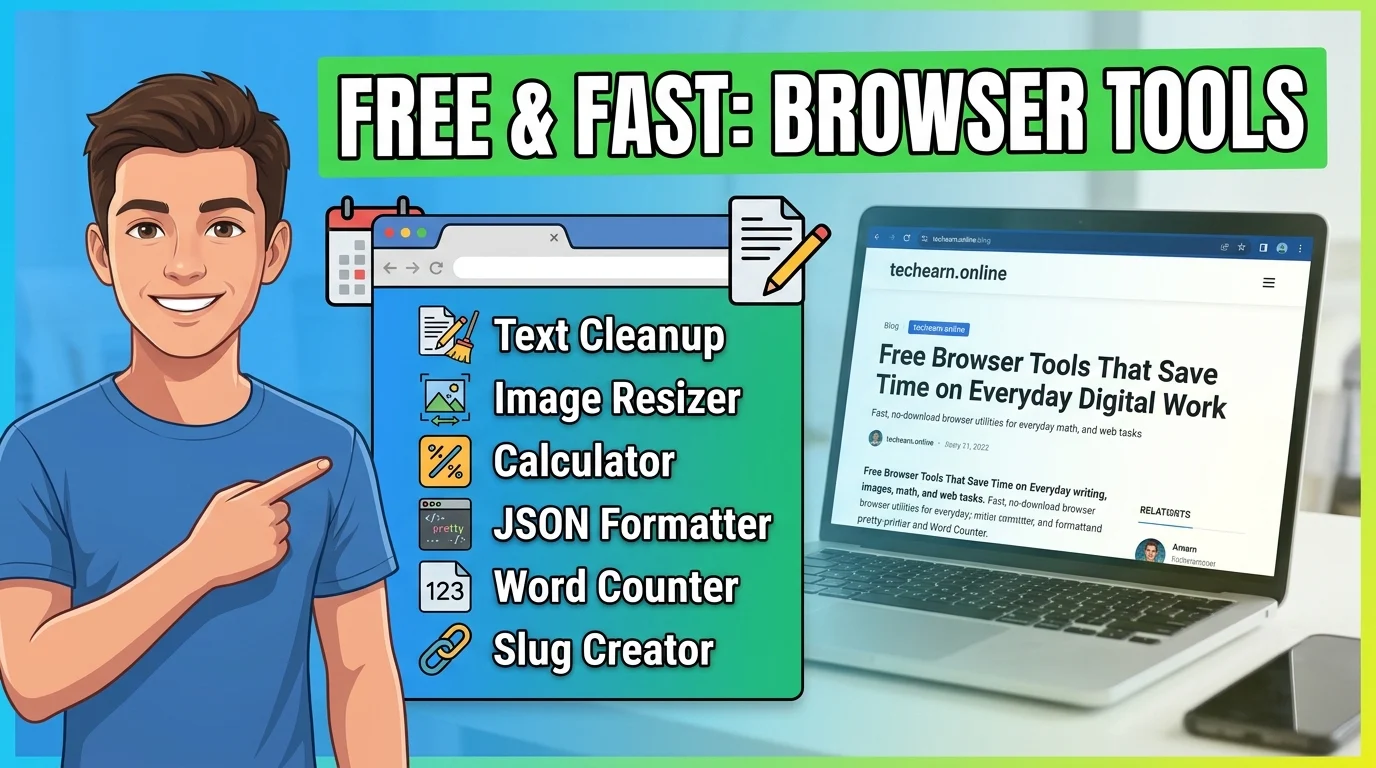
At TechEarnTools, these browser utilities are grouped by what you actually do on a screen: writing and text cleanup, image resizing and format conversion, math and finance calculators, unit conversions, and developer or web formatting. Having them organized in one spot makes everyday digital work feel a lot lighter.
1. Clean Up Text Before You Publish or Paste
Raw text rarely behaves the way you expect when you copy it from a document, chat, or web page. Extra line breaks show up out of nowhere, capitalization is inconsistent, or you need a quick word count before hitting publish.
-
Check length and pacing: A tool like Word Counter helps writers, students, and marketers keep captions, meta descriptions, intros, and scripts within sensible limits.
-
Fix formatting quirks: Stripping unwanted line breaks, sorting lines, or changing letter case takes seconds instead of manual editing.
-
Create clean URLs: Turning a long headline into a readable slug keeps links neat and easier to share.
A quick pass with simple text tools before publishing prevents awkward spacing and keeps your drafts tidy.
2. Resize and Convert Images Without Heavy Software
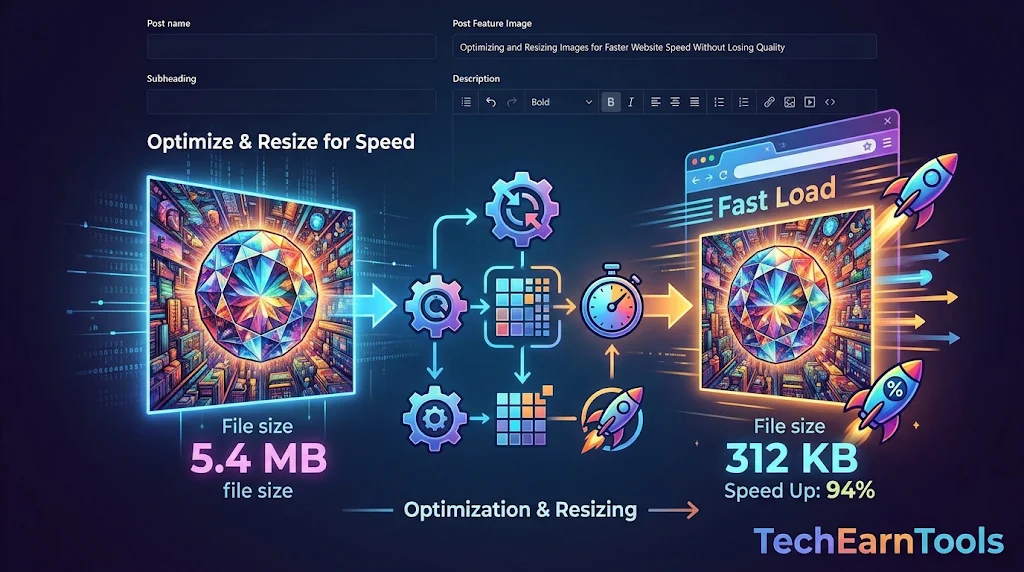
Large image files are one of the easiest ways to slow down a website or make uploading a pain. At the same time, you might need a PNG with transparency, a lighter WebP file for faster loading, or a specific dimension for a thumbnail or profile picture.
-
Match the size to the slot: Resizing or cropping an image before uploading saves bandwidth and keeps layouts balanced.
-
Pick the right format: Converting between JPG, PNG, and WebP lets you balance visual clarity with smaller file sizes depending on where the image will appear.
Doing basic image prep right in the browser is especially handy when you are updating a blog post or preparing assets on the go.
3. Handle Quick Math, Conversions, and Code Formatting
Not every calculation or data check needs a spreadsheet or a full code editor. Sometimes you just need to check a percentage, calculate a discount or margin, convert units on the fly, or format messy JSON so you can spot a missing comma.
-
Everyday numbers: Calculators for percentages, margins, discounts, and time save mental math mistakes when you are moving fast.
-
Units and formats: Having unit converters and JSON/code formatters handy means fewer tab switches and less guesswork.
Common Everyday Tasks Where Online Browser Tools Shine
People search for free online tools every single day because most routine digital chores do not need heavy software or complicated setups. Whether you are a student polishing an assignment, a blogger preparing posts, a freelancer handling client files, or a developer checking quick snippets, having browser utilities ready in one place saves real mental energy.
-
Content and writing workflows: Quick checks with a Word Counter, text cleanup, or slug creation keep drafts clean before they reach a CMS, social post, or email.
-
Visual prep for web and social: Resizing images, trimming extra edges, or converting formats ensures pages load faster without making you open a full design suite.
-
Daily math, units, and data checks: Fast online calculators, unit converters, and formatting helpers let you double-check numbers or inspect structured text right inside your tab.
The real advantage of no download tools is flow. Instead of breaking your concentration to install an app, hunt for a license key, or switch devices, you stay in the same workspace, finish the small task cleanly, and keep moving forward.
How to Pick the Right Tool for the Job
More tools do not automatically mean better productivity. The best habit is keeping a small set of reliable utilities you trust and using them only when they save real effort:
-
Start with the bottleneck: Notice which repetitive task interrupts your workflow most—image sizing, text cleanup, unit checks, or data formatting.
-
Keep inputs simple: Good browser tools work fast, show clear results, and do not push unnecessary friction onto the user.
-
Pair tools with real guidance: A utility does the mechanical work, while a short how-to note or tip helps readers understand when and why to use it.
Frequently Asked Questions
Are browser-based online tools safe for quick everyday tasks?
For general, non-sensitive tasks—like counting words, resizing a public blog image, converting units, or formatting sample JSON—browser tools are very convenient. Avoid pasting private passwords, personal IDs, or confidential client data into any third-party web form.
Why use online converters instead of installing desktop software?
Desktop tools are great for deep, long editing sessions, while web tools shine for quick one-off tasks on any device without updates, storage limits, or setup time.
How can a website make utility pages more helpful for visitors?
Pairing a working tool with plain-English instructions, practical examples, and answers to common questions helps visitors finish their task faster and gives them clear context around how the tool works.

Popular Tools
Recent Posts