
Image Resizer
Change image dimensions online quickly for web, social posts, and uploads
Resize Image





What Is an Image Resizer?
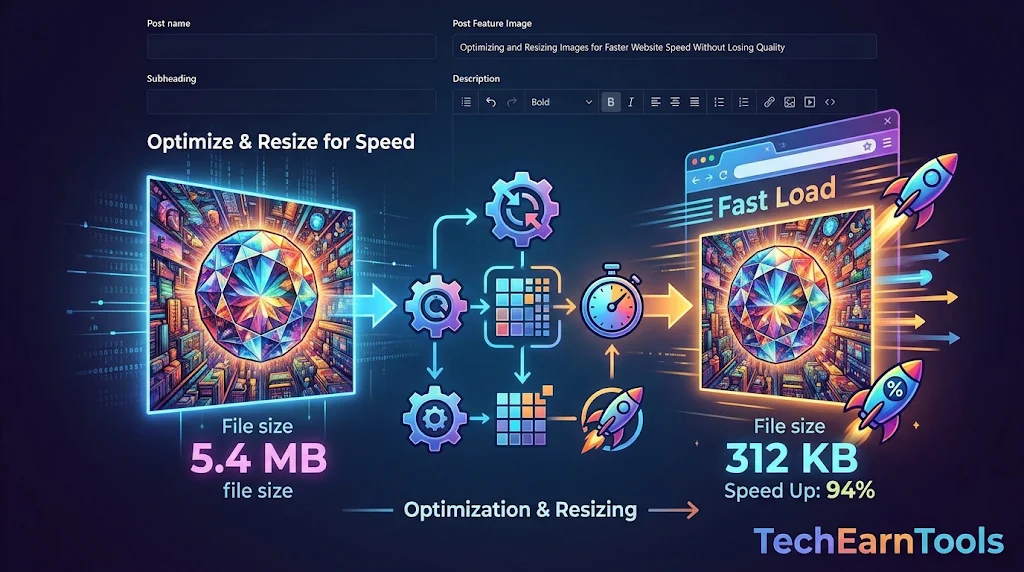
An Image Resizer is a free online tool that changes the pixel width and height of your image directly in your browser. Whether you are preparing photos for a blog post, shrinking oversized pictures for faster page loading, or matching upload limits for an online form, resizing helps your images fit right where they belong.
Common Reasons to Resize Images
-
Faster website loading: Large raw photos slow down web pages, while properly sized images improve page speed and user experience.
-
Social media and profile dimensions: Different platforms favor specific aspect ratios and dimensions for posts, banners, and profile pictures.
-
Form and document upload limits: Many portals and applications restrict image dimensions or file size before accepting an upload.
-
Clean layout alignment: Consistent image sizes keep galleries, product grids, and articles looking neat and balanced.
How to Resize an Image Online
-
Upload or select the image file you want to resize in the tool workspace.
-
Enter your desired width or height values, or choose a suitable dimension option.
-
Preview the resized result and download the updated image to your device.
Tips for Resizing Without Ruining Quality
-
Keep aspect ratio balanced: Changing width or height unevenly can stretch or squash faces, logos, and text.
-
Avoid enlarging tiny images too far: Stretching a very small low-resolution image upward often makes edges blurry or pixelated.
-
Pick the right format for your goal: Use formats like JPG, PNG, or WebP based on whether you need small file size, sharp graphics, or transparency.
Why Use TechEarnTools Image Resizer?
Opening heavy desktop editing software just to adjust picture dimensions takes extra time and system resources. This online tool lets you resize images quickly right inside your browser without complicated menus.

Popular Tools
Recent Posts