
Image Enlarger
Enlarge and upscale your low-resolution photos instantly online with crystal-clear clarity.




Why Use an Online Image Enlarger Tool?
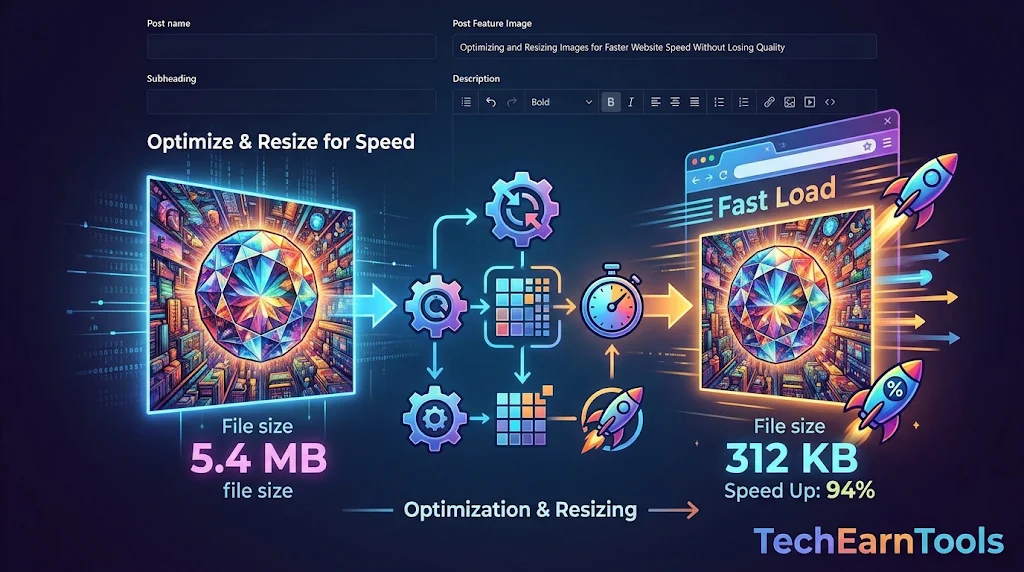
Finding an old photograph, a logo, or a digital graphic that is too small for your project can be frustrating. When you simply stretch a low-resolution image using standard photo editors, it usually becomes blurry, pixelated, and distorted. Our online Image Enlarger tool uses smart processing algorithms to upscale your pictures, increase their dimensions, and enhance clarity—allowing you to enlarge images without sacrificing professional quality.
Key Benefits and Common Use Cases
Whether you are preparing graphics for a website, printing marketing materials, or restoring old digital memories, high-resolution scaling is essential. Here is why users rely on our tool:
-
Upscaling Low-Res Web Images: Easily enlarge small icons, avatars, or product photos so they fit cleanly into modern high-definition web layouts.
-
Preparing Photos for Print: Print flyers, posters, or documents without worrying about pixelation by scaling up your image resolution beforehand.
-
Restoring Old or Small Photos: Bring new life to vintage digital images or low-pixel screenshots by expanding their size clearly and cleanly.
How to Enlarge an Image Online in Seconds
We designed this tool to make photo upscaling effortless for everyone, regardless of technical background. Just follow these simple steps:
-
Upload Your Image: Click the upload button or drag and drop your image file into the box. We support all popular formats like JPG, PNG, and WEBP.
-
Choose Your Scale: Select your desired enlargement factor or target dimensions to fit your specific project requirements.
-
Process and Download: Hit the convert button to let our tool upscale your image, then preview and download your high-resolution result instantly.
Advanced Features of Our Image Upscaler
Unlike basic image stretching tools that ruin your files, our platform ensures high-standard results:
-
Enhanced Sharpness: Intelligent upscaling minimizes blurriness and keeps edges clean and defined.
-
Fast and Secure Processing: Everything works seamlessly in your browser, keeping your personal files safe and private.
-
Cross-Device Compatibility: Works smoothly on Windows, Mac, Linux, iPhone, and Android devices without installing any heavy software.

Popular Tools
Recent Posts